4 Methods of Background Removal
Discover the best technique for your workflow: Edge AI, Server AI, Color Keying, or Manual Precision.
Table of Contents
Edge AI (Local Processing)
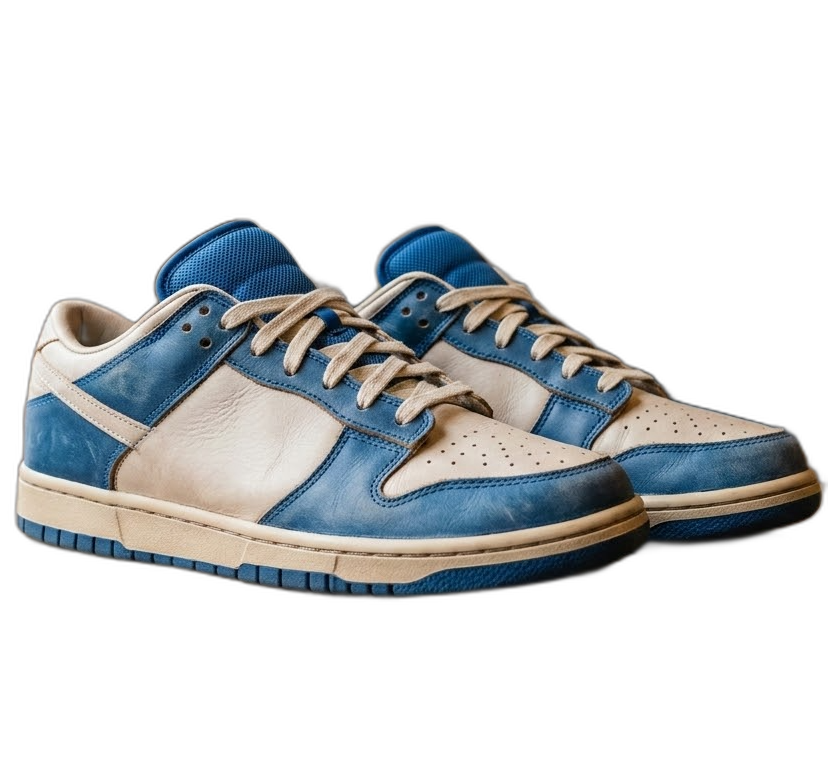
Harnesses the power of your device's browser to process images locally via WebAssembly, ensuring maximum privacy as your images never leave your device. Enjoy unlimited use with no communication costs.
Great for most daily illustrations and simple portraits. Processing is near-instant after the initial AI model load.

Server AI (High Precision)
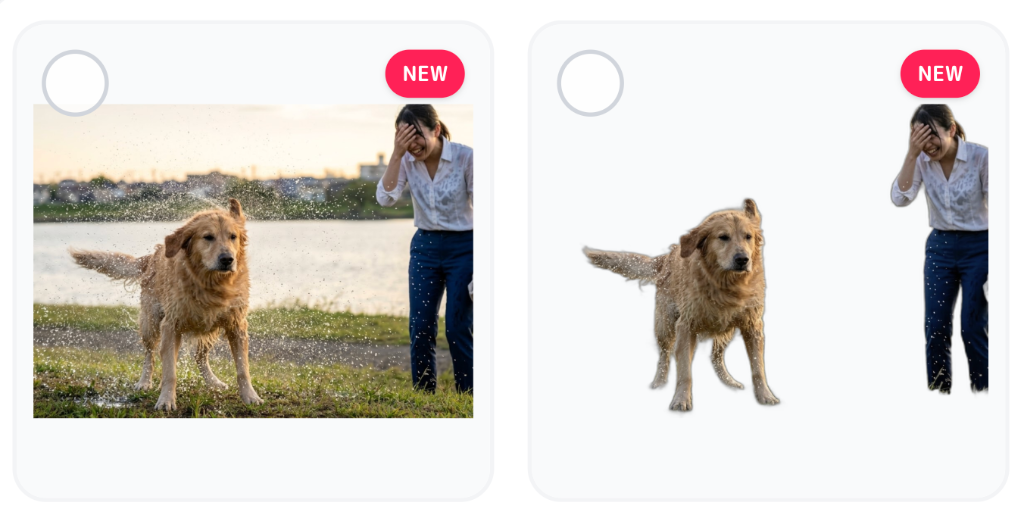
Connects to our cloud GPU cluster to provide studio-grade masking quality. It delivers superior results for hair, lace, and low-contrast backgrounds that require the absolute best quality.
Select specific models like Anime or Human to further enhance the extraction accuracy.
Color Key (Chroma Keying)
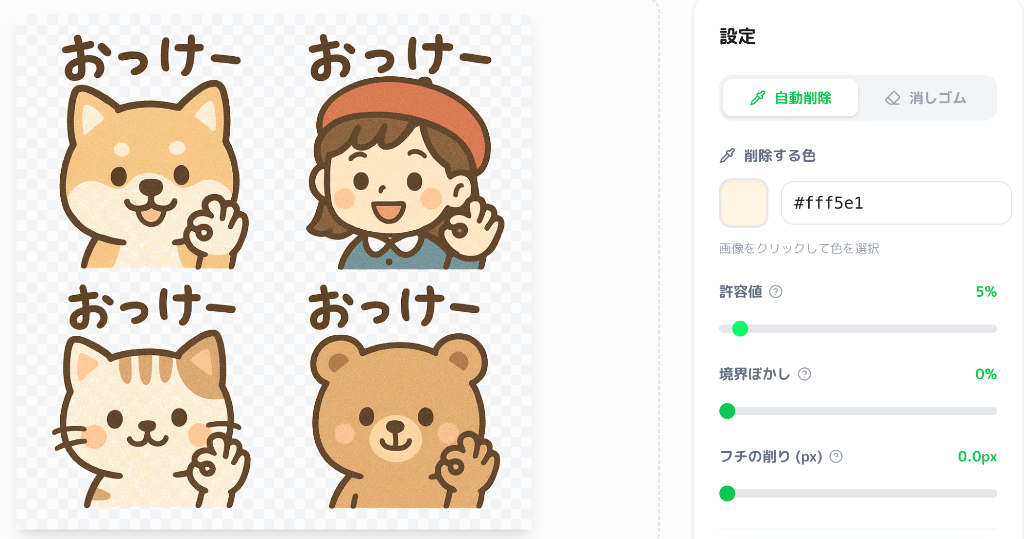
Removes a specific color instantly using our Color Picker tool. It is perfect for illustrations with solid backgrounds and is incredibly fast because it doesn't use AI.
Adjust the 'Tolerance' slider to eliminate any color fringes around your subject for a cleaner edge.
Manual Precision Eraser
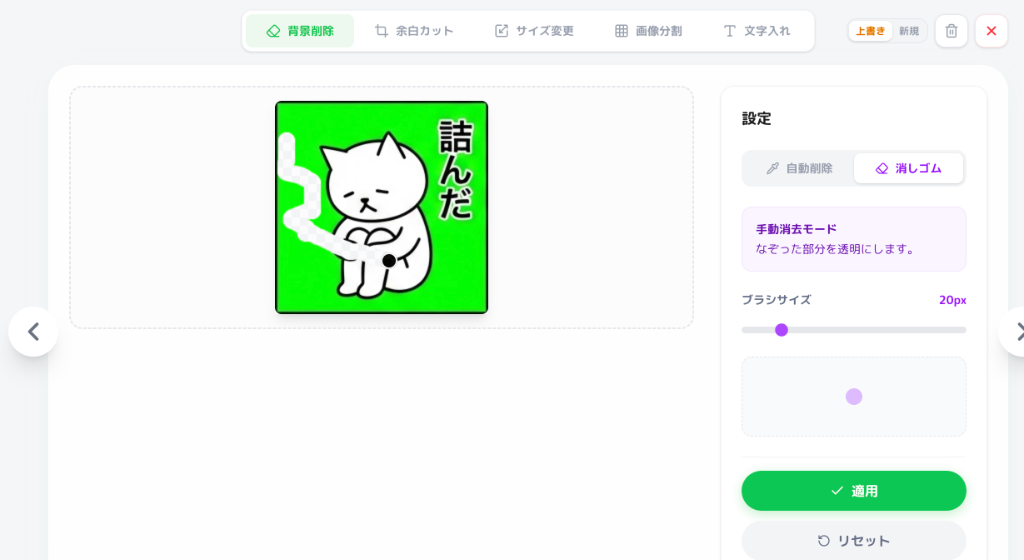
Gives you pixel-level control to manually erase any remaining artifacts. It includes a Restoration tool to 'un-erase' parts if you make a mistake, ensuring you never lose your work.
Best used as a final touch-up after AI background removal for that professional polish.