How to Make Photo Stickers: From Clipping to Private Settings
Create custom LINE stickers of your children or pets using only your smartphone. Learn how to handle backgrounds and privacy settings.
Table of Contents
Turn Memories into Stickers
Custom stickers featuring family or pets make group chats more personal and fun. You don't need any design skills—just your favorite photos and a smartphone.
Key Benefits:
- Share inside jokes with family and close friends.
- Use 'Private Settings' to keep your photos hidden from the public.
- A unique way to preserve memories of kids and pets.
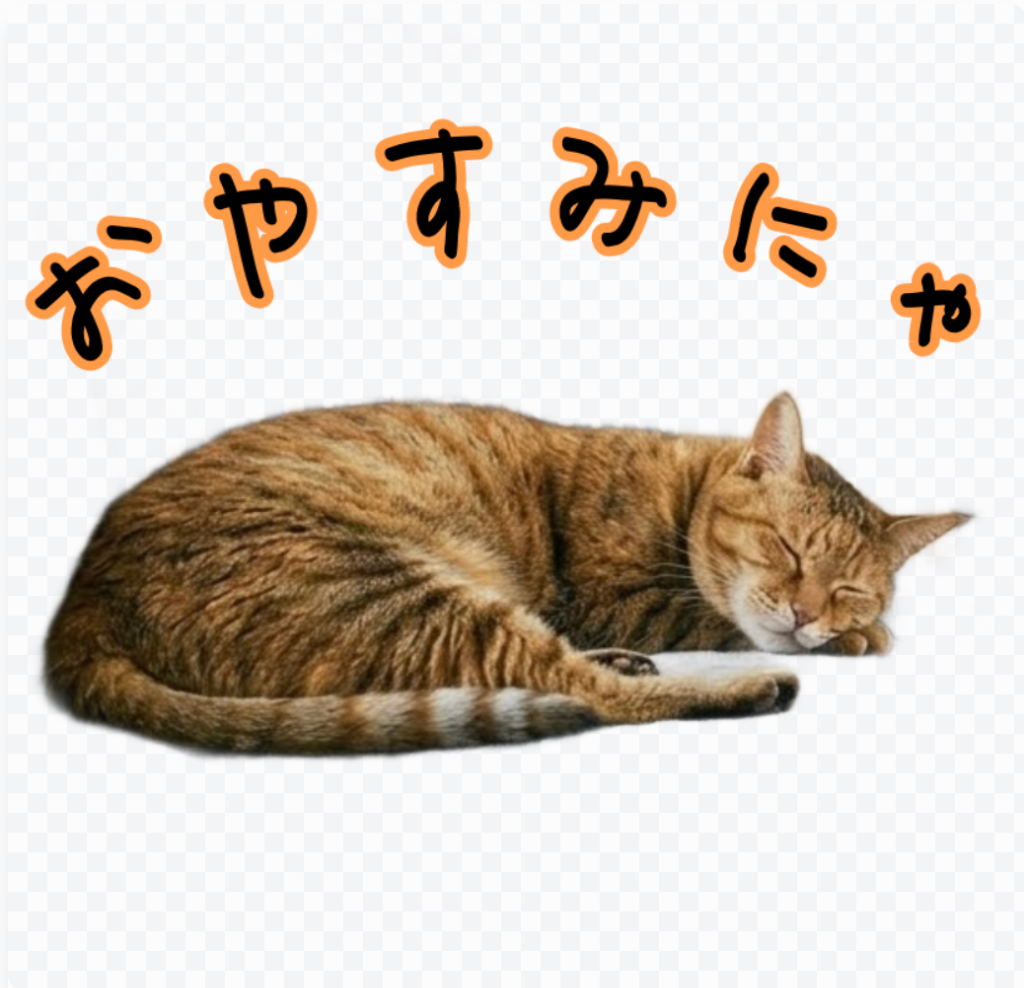
Choosing the Best Photos
For clean background removal, pick photos where the subject stands out clearly from the background. Simple backgrounds like a plain wall or a grassy field work best for AI recognition.
When using photos of kids, choose a mix of facial expressions and full-body actions to create a more versatile sticker set.
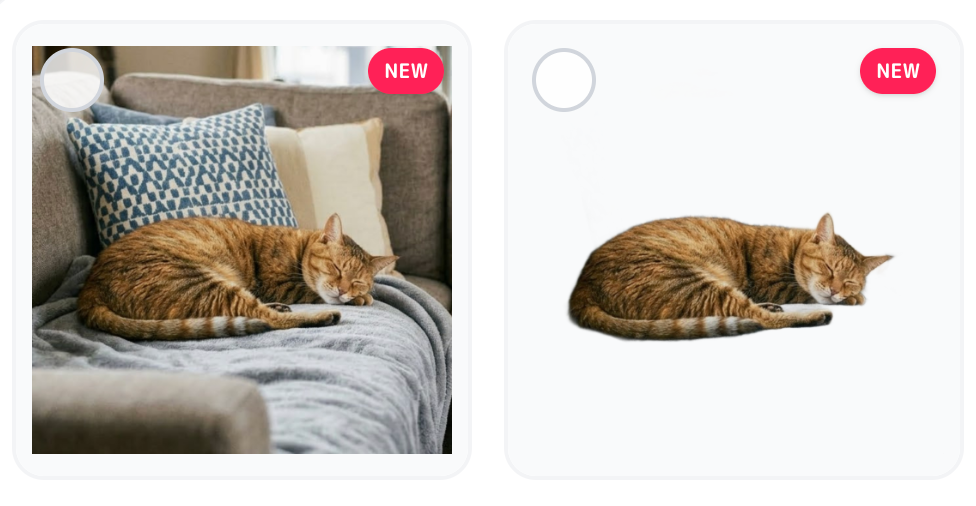
Instant Background Removal
Our AI Background Remover automatically extracts people and pets without manual tracing. It handles fine details like hair and fur with professional precision, right in your browser.
iPhone users can simply use the 'Press and Hold' feature in the Photos app to copy a subject and paste it directly into EzStampify for a super-fast workflow.
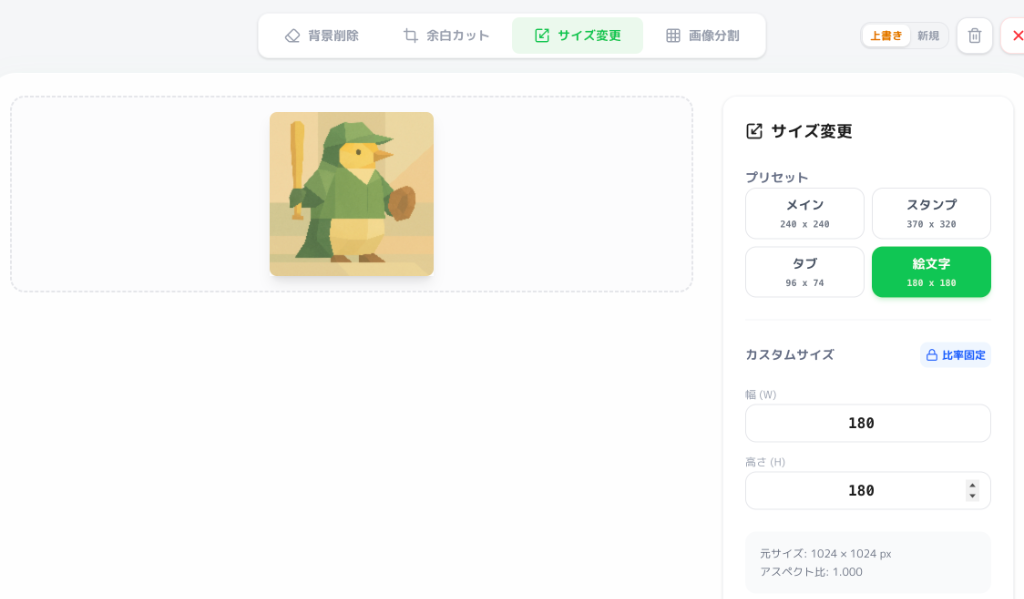
Precise Resizing with Presets
LINE requires specific safety margins (at least 10px), which can be tricky to manage manually. Use our Sticker Presets to automatically scale your photos and add the required padding in one click.
For the 'Main' image (the cover image in the store), choose the most expressive photo or add a text label like 'Baby Max' for easy identification.
Safe & Private Settings
To keep your family's photos private, set 'Visibility' to 'Hidden' and 'Store Sales' to 'No' when submitting through LINE Creators Market. This ensures only people with the direct link can buy and use the stickers.
By submitting your own set rather than using basic creator apps, you can keep the privacy settings strict while also being eligible for creator revenue share.