Transform AI Art into Professional Assets. Instantly.
Privacy-first image processing tool for AI artists. 100% local, no server latency. Your art stays on your device.
100% Local Processing
Zero data leaves your browser
GDPR Compliant
Privacy built-in by design
No Server Latency
Instant results, works offline
Drag, Drop, Done: Secure Batch Uploads.
Process hundreds of images at once without a single byte leaving your computer. Drag entire folders directly into your browser.
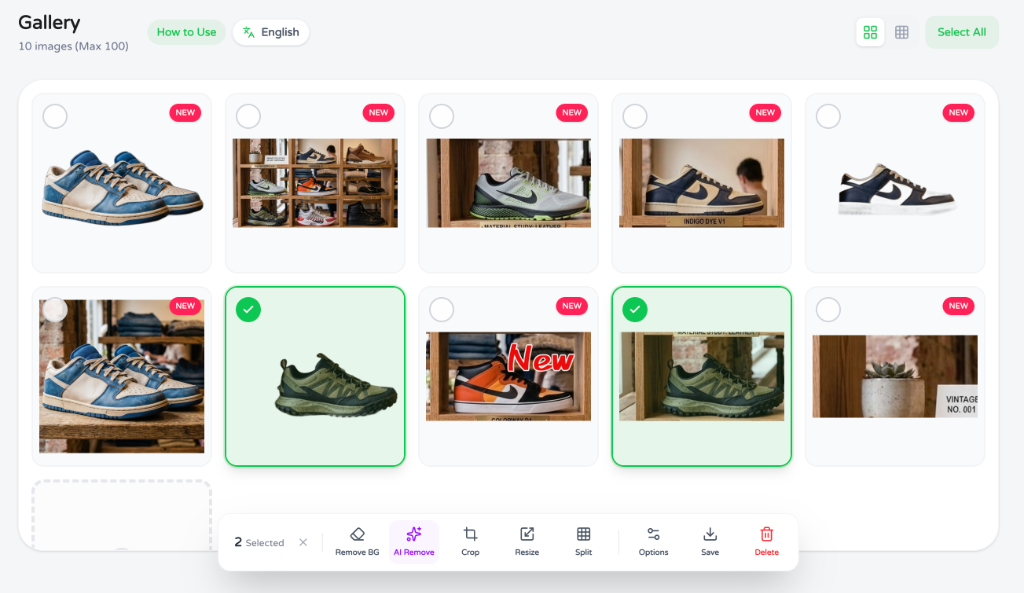
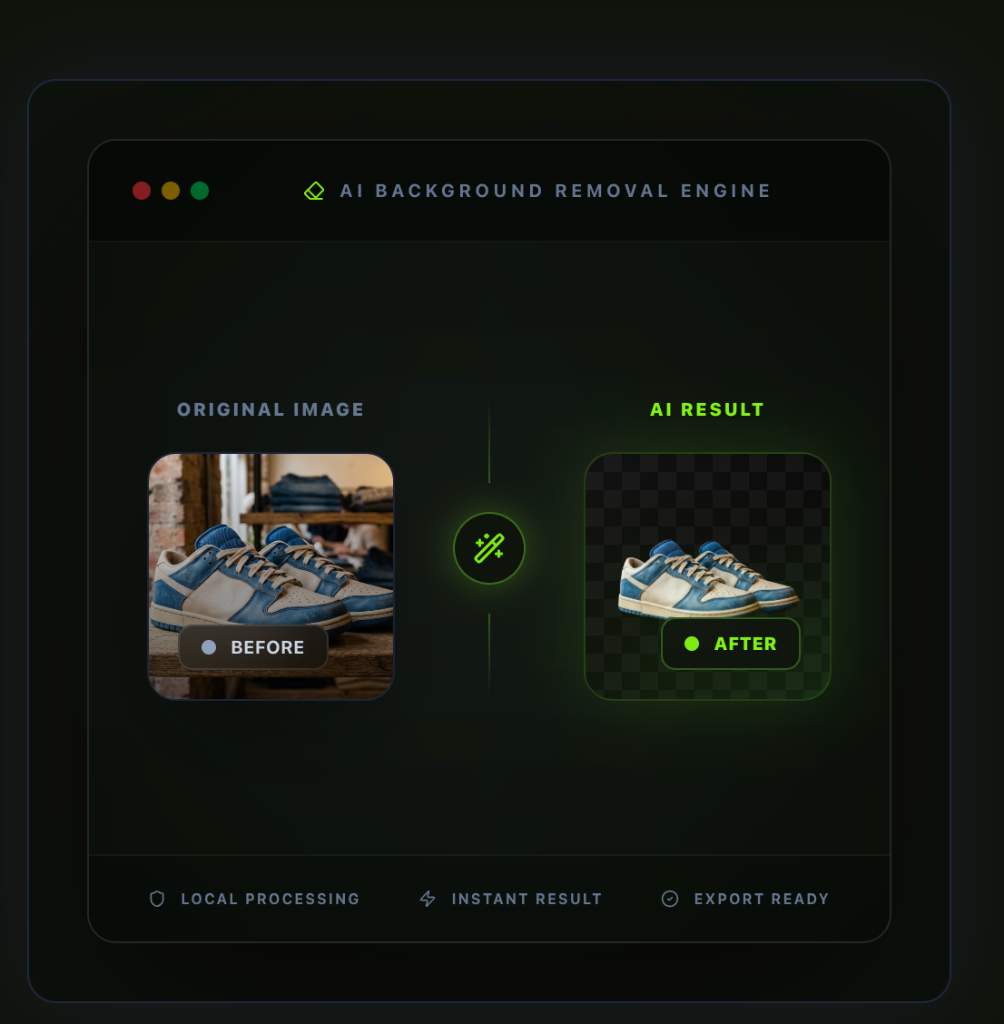
Flawless background removal running completely offline.
Utilize advanced WebAssembly models to strip backgrounds with hair-level precision, zero server uploads required.
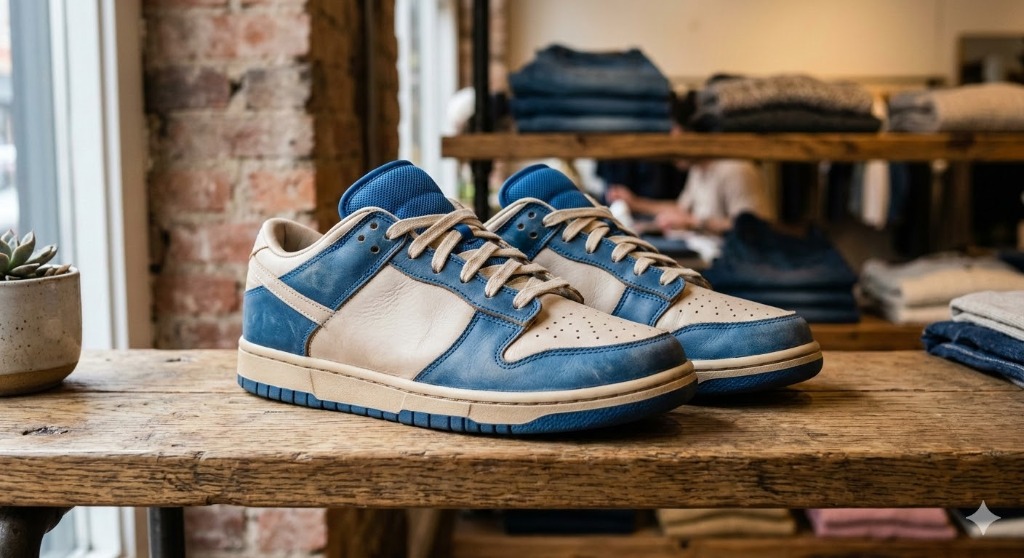
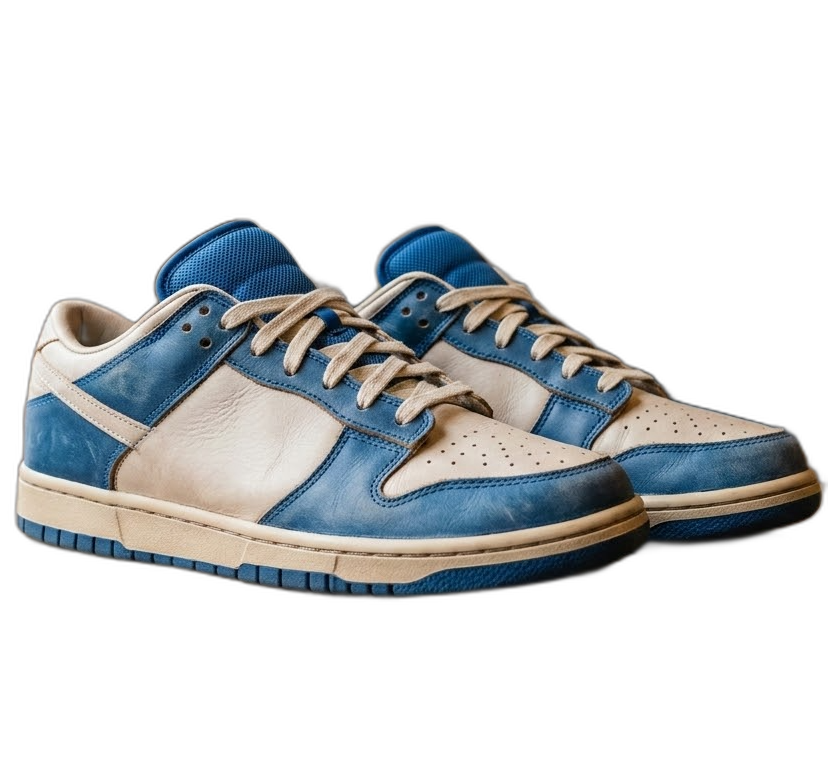
Erase Solid Colors with Studio Precision.
Perfect for generations with flat backgrounds. Click a color to knock it out instantly.
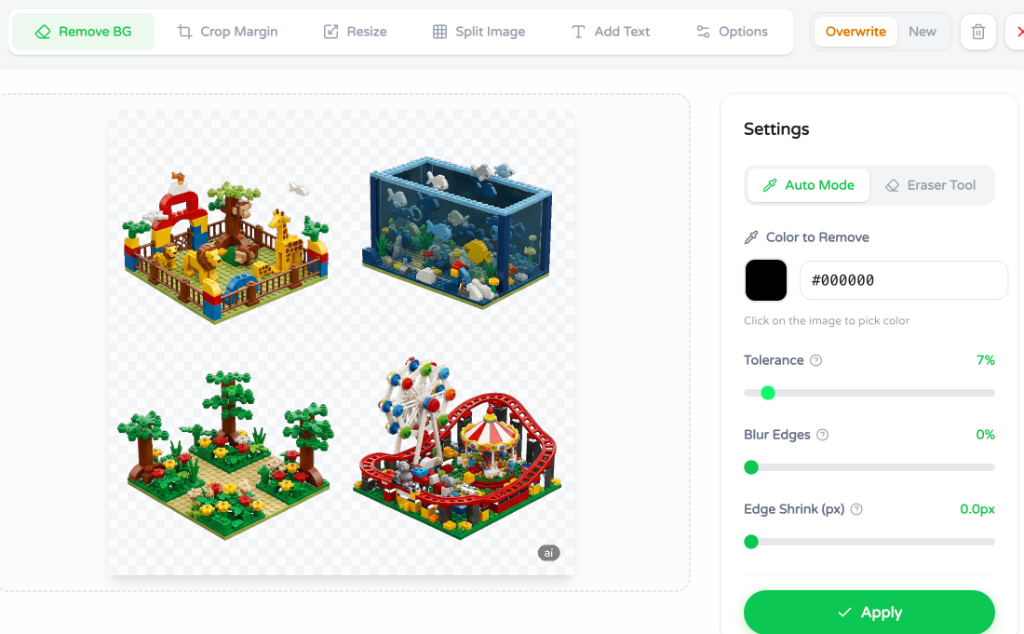
Tolerance
Fine-tune sensitivity
Blur Edges
Smooth transitions
Edge Shrink
Avoid white halos
Extract individual assets from character sheets automatically.
Stop manually cropping sprite sheets. Our Pro-Grade Splitter detects distinct objects and isolates them perfectly.
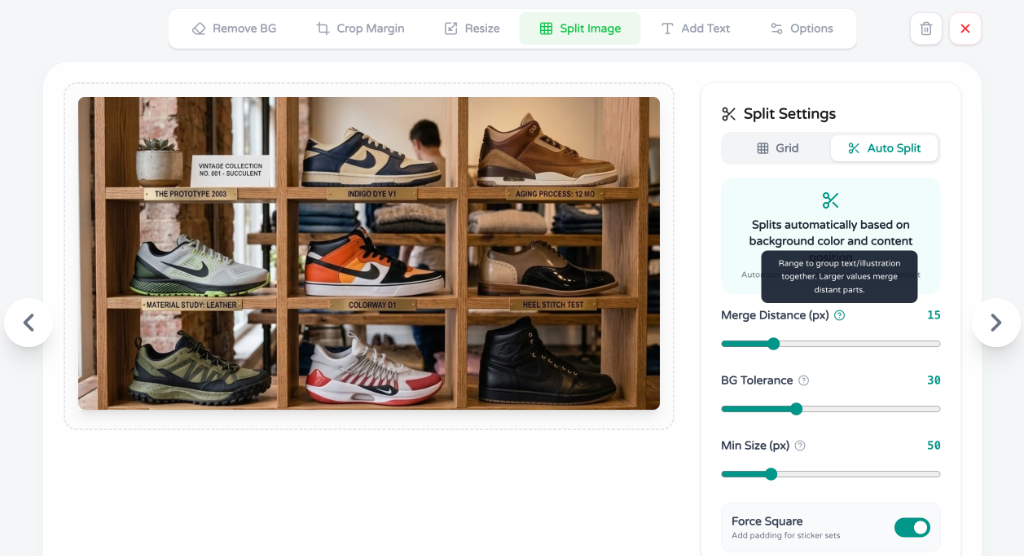
Parameters
| Setting | Description |
|---|---|
| Tolerance | Controls how aggressively pixels are grouped. Higher values join distant objects. |
| Padding | Adds transparent space around extracted assets to prevent hard edges. |
Smart Margin Cut: Lose the Dead Space.
Automatically trim excess transparency to perfectly frame your assets, reducing file size and ensuring consistent alignment.
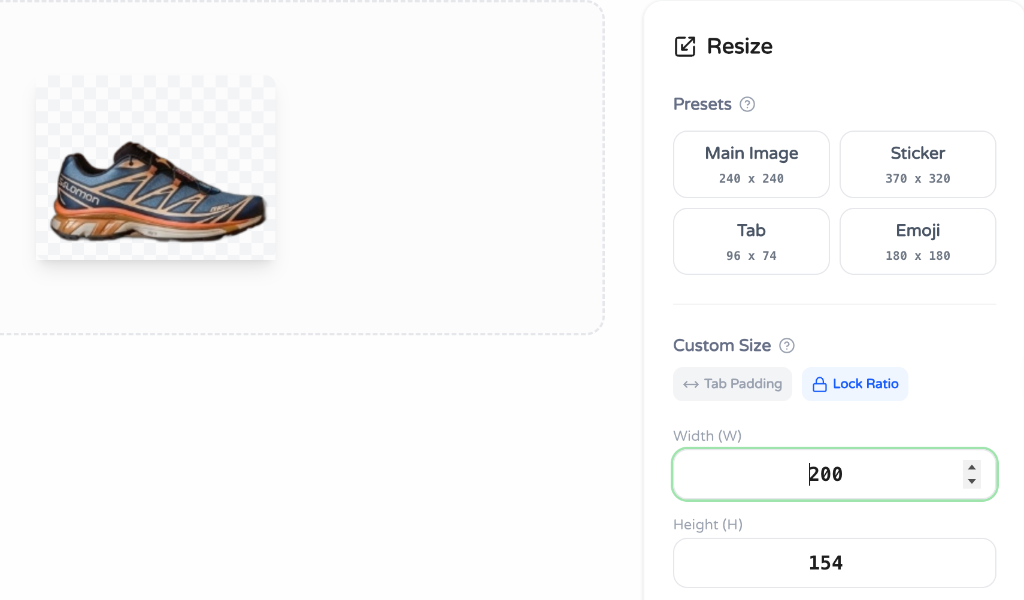
One-Click Batch Resizer.
Instantly scale and pad all extracted assets for Discord, WhatsApp, LINE, or custom game engine requirements in one go. Assets resized to official standards will automatically receive 'MAIN' or 'TAB' identification badges for easier asset management.
Add Impactful Text & Labels.
Make your stickers stand out. Add bold, highly-legible text with customizable strokes, shadows, and professional font management.
Intelligent Color Quantization.
Reduce file sizes by up to 80% with minimal visual quality loss. Crucial for meeting strict messaging app limits.
Precision Eraser for stubborn pixels.
Sometimes AI misses a spot. Clean up artifacts manually with adjustable brush sizes and hardness.
Lightning-Fast Bulk Export.
Pack hundreds of processed assets into a single ZIP file instantly. Files are automatically named **'main.png'**, **'tab.png'**, or **'01.png'** based on their size. If multiple copies of the same type are exported, they are numbered (e.g., **'main(2).png'**) automatically.
Production Ready Assets
Creative Pro Tips
Get the most out of your AI generation workflow.
The Character Sheet Workflow
Prompt your AI generator for "character sheet, multiple poses, white background". Bring that single image into EzStampify, hit 'Color Key' on the white background, then use the 'Pro-Grade Splitter'. You just created 6 individual sticker assets in 10 seconds.
Fixing AI Noise (Invisible Noise)
Sometimes AI generations leave near-transparent "ghost" pixels that mess up bounding boxes. Always run 'Smart Margin Cut' after removing a background—it will aggressively trim those invisible artifacts, ensuring your assets align perfectly in messaging apps.
Frequently Asked Questions
Ready to scale your creative workflow?
Join thousands of creators who are building assets faster, securely, and completely in their browser.